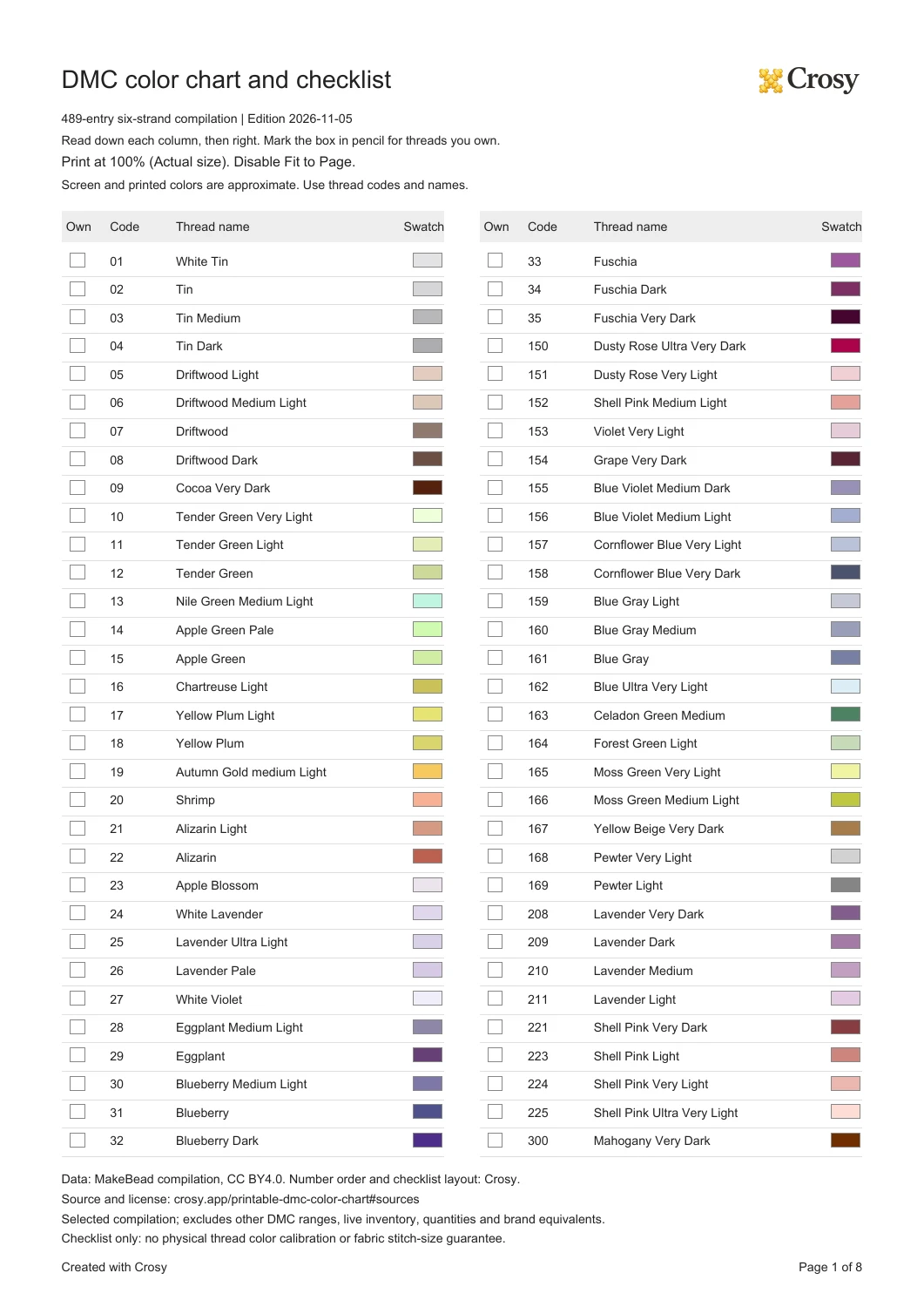
DMC checklist
489 catalog entries with pencil checkboxes. Screen and printed swatches are approximate.
Learn
Learn to create, edit and print cross stitch charts.
Choose a small pattern to print or edit.
Browse patterns489 catalog entries with pencil checkboxes. Screen and printed swatches are approximate.
Start with the Workbench if you have an image or an idea for a pattern. Use the Dashboard manual when you have charts to find, organize or move between devices. If your chart is already on paper, start with the chart-reading reference and keep its original key nearby.
For a first conversion, choose a source with a clear subject and check the result at the size you plan to stitch. The photo lesson follows the same example through conversion and printing. If you already know the shape you want, the design lesson shows how to count cells and place each stitch on a blank grid.
Before exporting, decide whether you need a chart you can print, a copy you can edit later, or both. The export reference explains which files carry the thread key and which can reopen with editable data. Before changing browsers or clearing storage, check that you can reopen the project you intend to keep.