Small cross stitch patterns to print or edit
Choose a small motif. Get the chart and files, or edit it in Crosy.
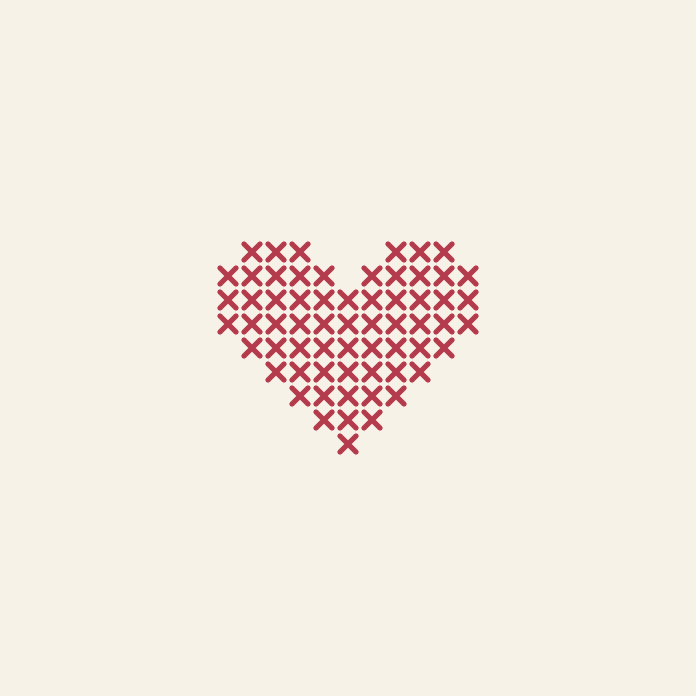
Heart
29 × 29 squares63 crosses1 color
Shapes
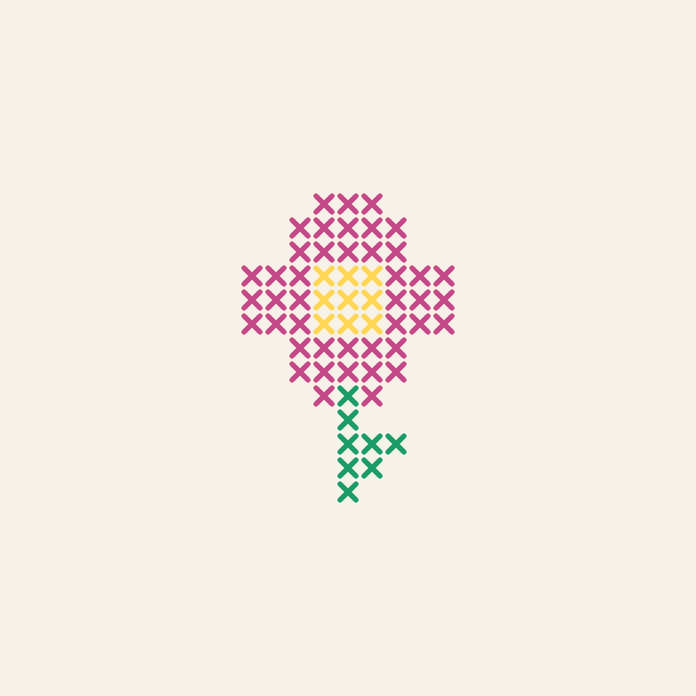
Flower
29 × 29 squares60 crosses3 colors
Flowers
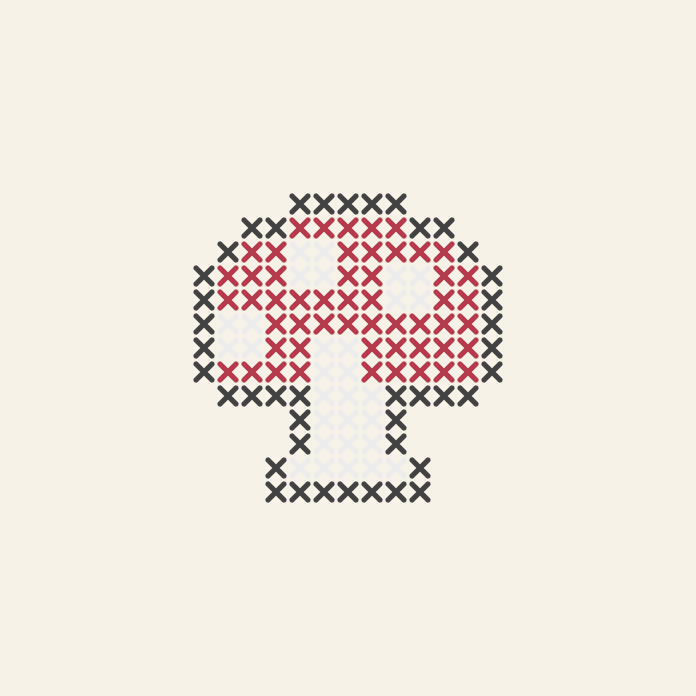
Mushroom
29 × 29 squares125 crosses3 colors
Mushrooms
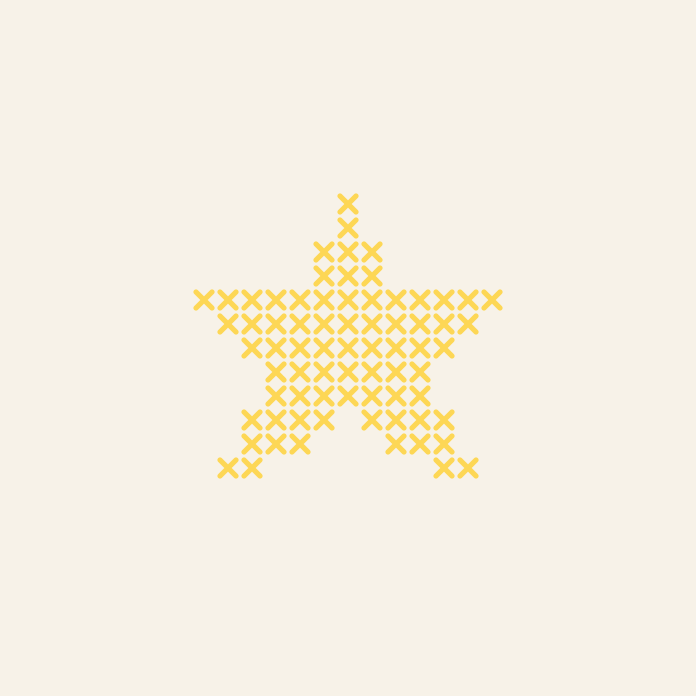
Star
29 × 29 squares73 crosses1 color
Shapes
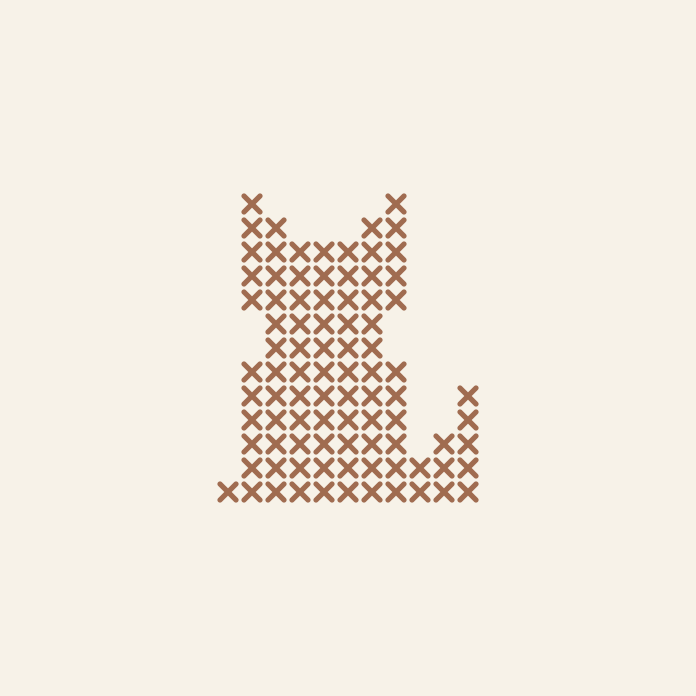
Cat
29 × 29 squares90 crosses1 color
Animals
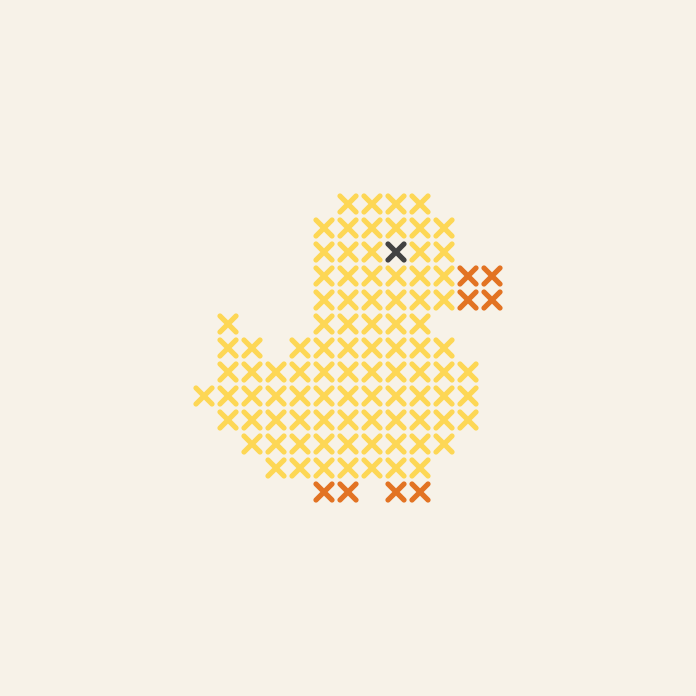
Duck
29 × 29 squares101 crosses3 colors
Animals
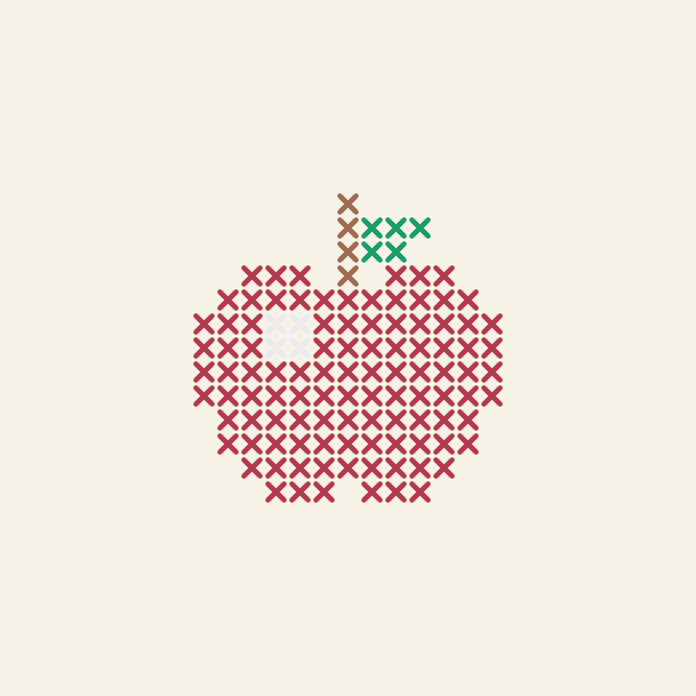
Apple
29 × 29 squares115 crosses4 colors
Fruit
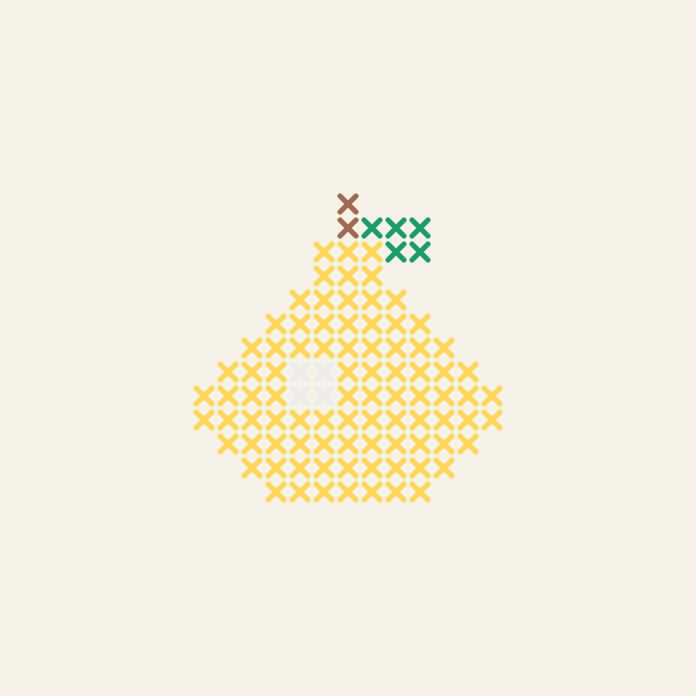
Pear
29 × 29 squares98 crosses4 colors
Fruit
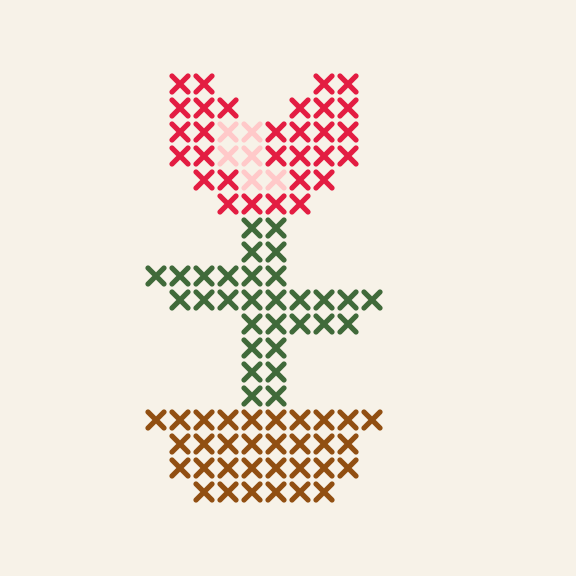
Tiny tulip
24 × 24 squares98 crosses4 colors
Flowers
Using the files
Each pattern includes a complete symbol chart, DMC thread key and editable Crosy project. Choose PDF for printing, SVG for a scalable chart, or Rows for every square’s position and thread. Blank squares are unstitched.
Print the compact PDF at 100% (Actual size), with Fit to Page off, then check its 40 mm ruler. Printed 4 mm squares are a reading scale, separate from fabric stitch size. Use the fabric calculator to allow for your chosen count and borders.
These are digital previews, not physically test-stitched samples. Screen and printed colors are estimates; choose thread by DMC code and name. The supplied files are free to download. Exporting patterns you create or edit follows your account’s existing export access.
Choose a design by stitch dimensions and thread count before opening the download. A one-color motif is a useful first practice piece because you can follow its outline without switching thread. Choose a chart with more colors if you want to practise locating adjacent symbols in a printed key.
Read the outer grid dimensions on the pattern page before cutting fabric, even when the motif leaves blank cells around its edge. Fabric count and the number of threads you stitch over determine the finished area. Add room around that area for a hoop, frame or finishing seam before marking the center of your fabric.
Use a printed chart if you want to mark completed areas on paper. Print the matching key with it, and check that the chart symbols are easy to tell apart before you start. If someone else will stitch the pattern, send both pages together so they can match the symbols to the thread codes used in that file.
Open the Crosy project when you want to change a color or practise placing a stitch. Download the original files first if you want a reference while you edit. After changing the palette, use the key that came from your edited chart when choosing thread. The key from the original chart describes the original colors.